
Data Setup
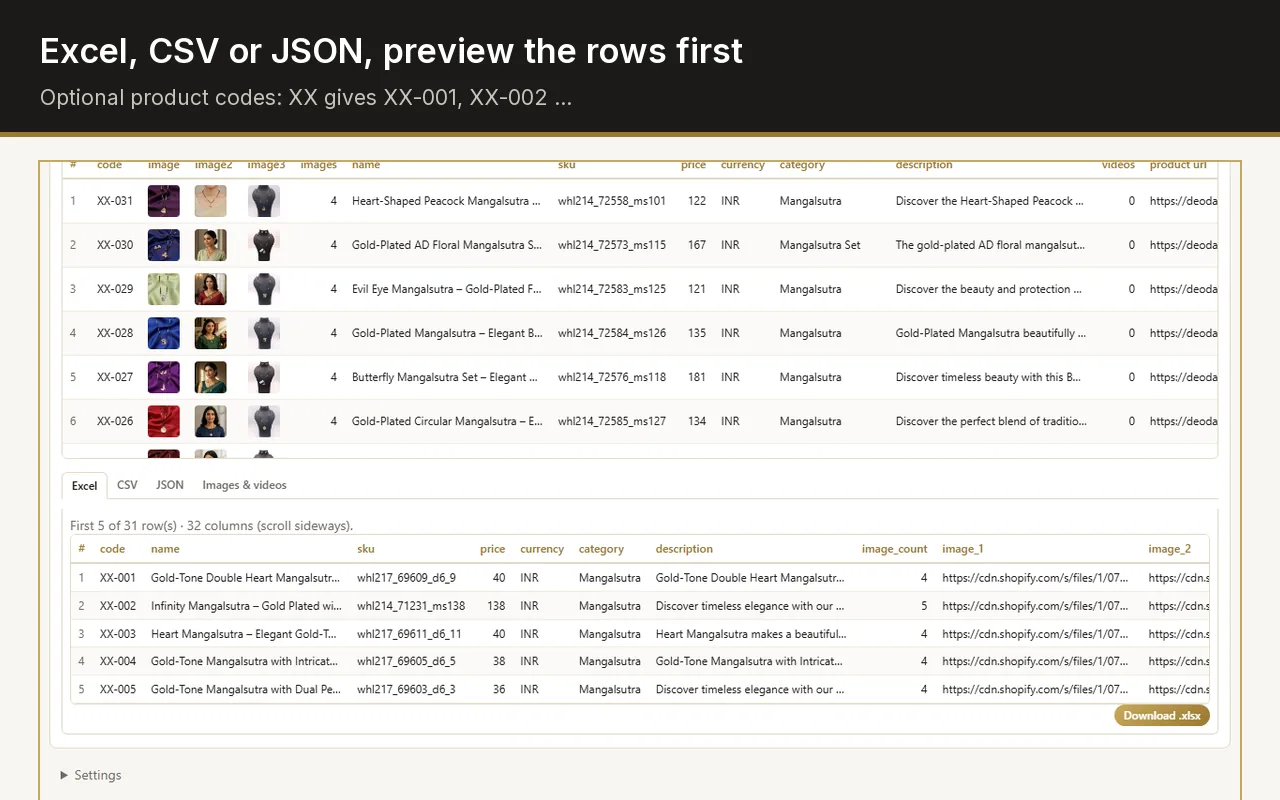
A live table of what the page contains: name, SKU, price, currency, category, description, images, videos, URL. Remove any column. Add an optional code prefix (XX gives XX-001, XX-002 …).
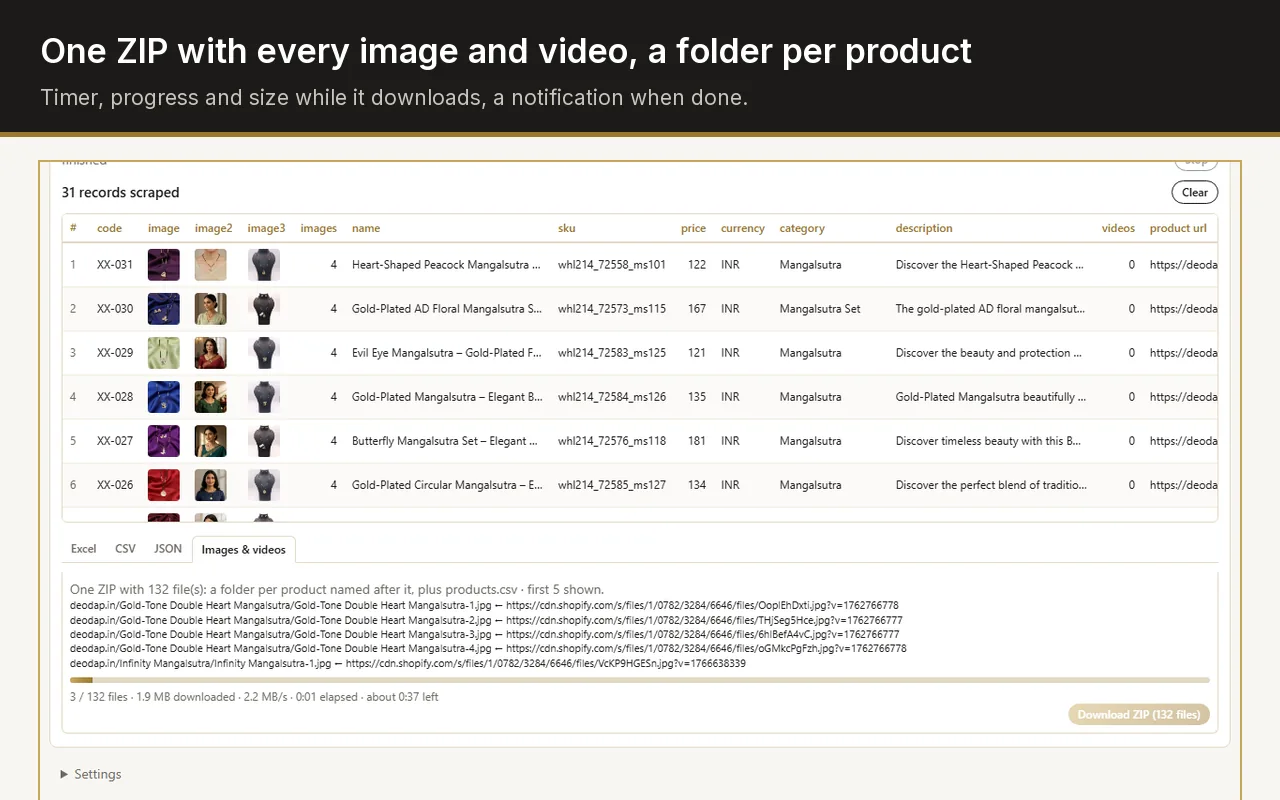
Web Product Scraper is a free Chrome extension for dropshippers, resellers and small shop owners. Open a shop page, see its products as a table in the sidebar, untick what you do not need, and export Excel, CSV or JSON, or one ZIP with every image and video organised per product.
Add to Chrome, it's free No account · no server · nothing leaves your browserEverything happens in Chrome's side panel while you look at the shop.
A live table of what the page contains: name, SKU, price, currency, category, description, images, videos, URL. Remove any column. Add an optional code prefix (XX gives XX-001, XX-002 …).
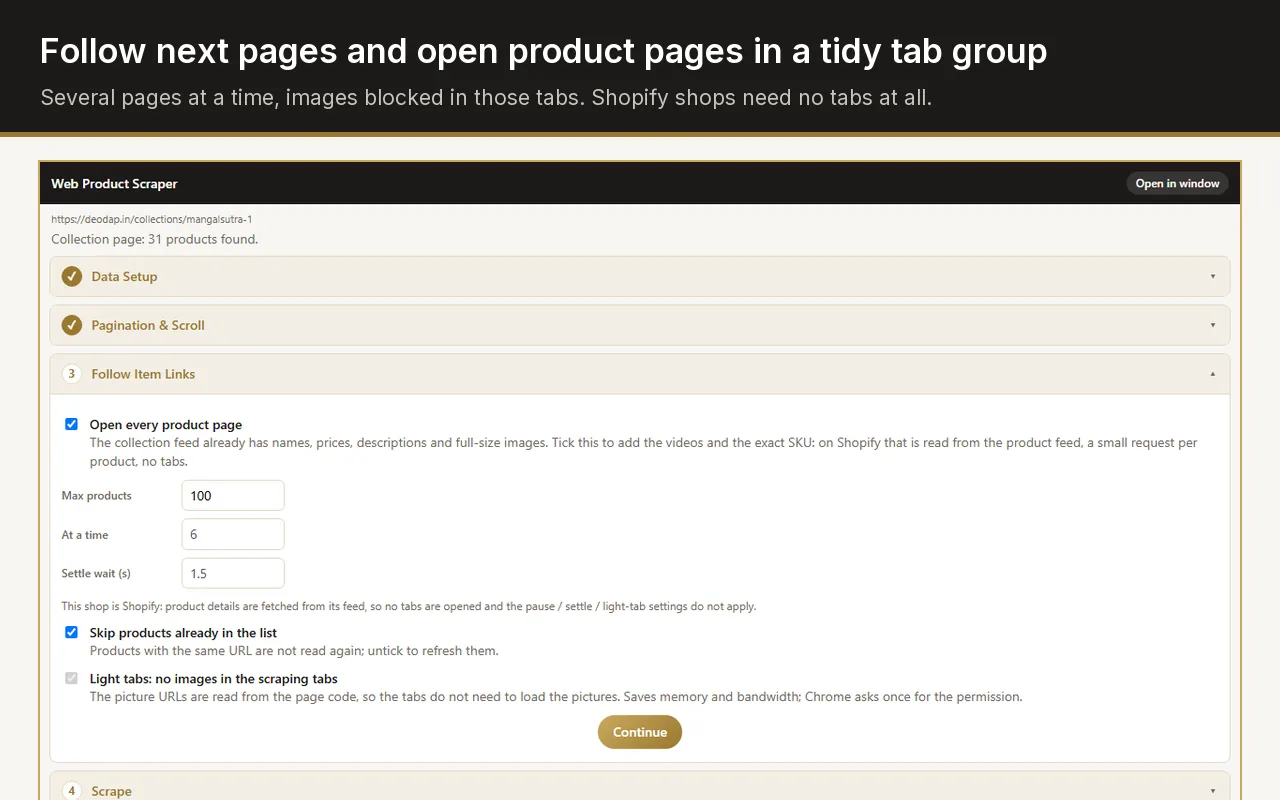
Follow the listing's next pages, up to a limit you set.
Open each product page for the full description and full-size media, several at a time in one collapsed tab group, images blocked to keep Chrome light. Shopify shops are read from their product feed, no tabs at all.
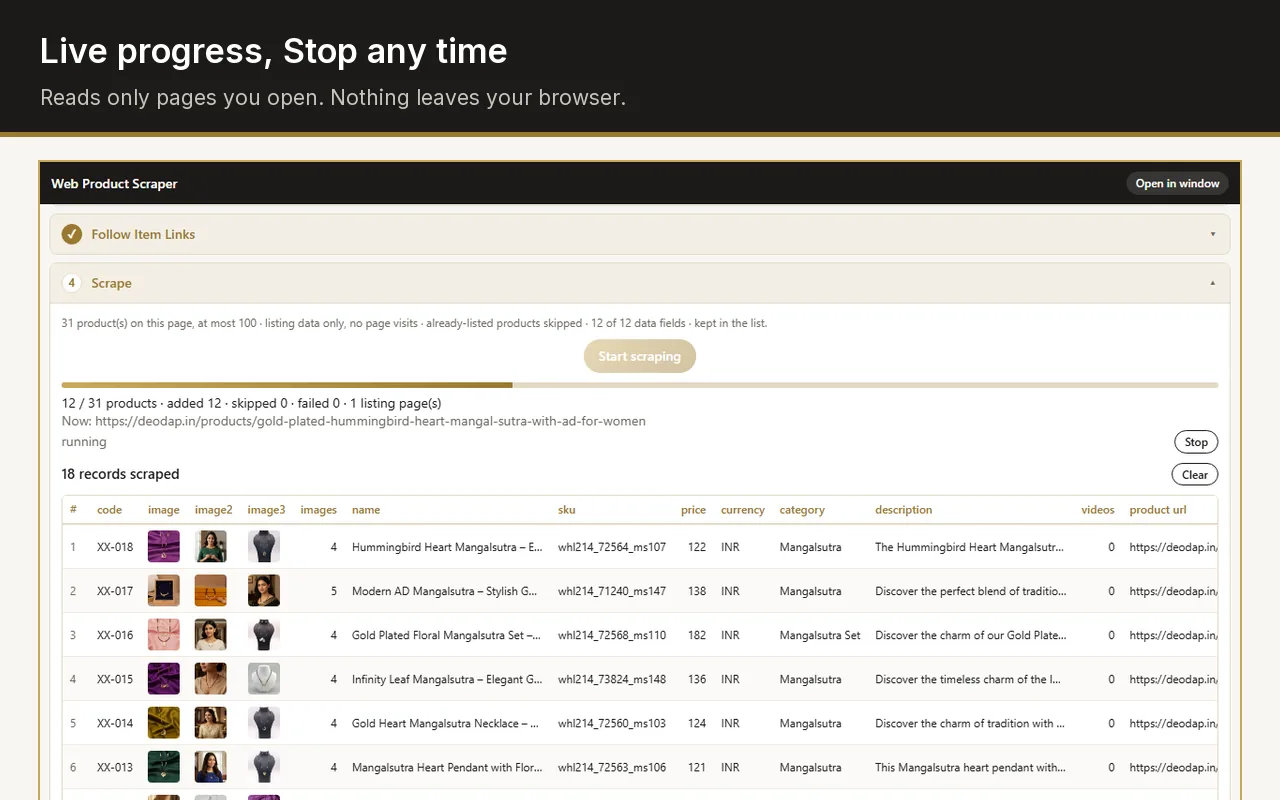
Live progress and a Stop button. Products already in the list are skipped, so you can run again after a site adds new items.
Preview the first rows before you download anything.
A web scraper that respects the sites it reads and the person using it.
A few tabs at a time, a pause between loads, and it stops on its own if a site starts refusing.
The list lives in your browser's storage. There is no server, no account and no telemetry.
Site access is requested per site, only when you start a run there. Recommended products on a product page are never scraped.
No premium tier, no sign-up, nothing locked behind payment. Please respect each site's terms of use.
Build a supplier catalogue in minutes instead of days. Scrape a wholesale collection, keep the columns your marketplace needs, add your own product codes and download the spreadsheet together with the photos, already sorted into a folder per product.
Export a Shopify or WooCommerce collection with names, prices, SKUs, descriptions and full-size images, then import it wherever you are going next.
Collect prices and assortments from competitor and supplier pages into one Excel file, run it again later and only the new products are added.
Web Product Scraper is made by Ashutosh Gaikwad, an independent developer who also runs Rama Makeover, a small jewellery business in India. It started as the tool used to build that shop's own catalogues from suppliers' websites and is published free for anyone with the same problem. Questions and site reports: [email protected].
Version 0.6.0 · Published on the Chrome Web Store 15 September 2026 · Page updated
Short answers about supported shops, data and permissions.
Any shop whose pages list products: Shopify and WooCommerce stores, wholesale and dropshipping sites, most custom shops. Shopify collections are read from the shop's own feed and finish in seconds. If a site does not work, send the link and it will be looked at.
No. Install it and use it. There is nothing to sign up for.
Nowhere. It stays in Chrome's local storage on your computer until you export or clear it. The extension talks to no server unless you type the address of your own tool in its settings.
To open that site's product pages and fetch its images for the ZIP. The permission is requested per site, when you start a run there, never for all sites at once.
You are responsible for how you use the data. Read the site's terms of use, take only what you need, and keep the default pause between page loads.
Yes. Enter the address of your local image-processing or catalogue tool in Settings and each product can be sent there with its images.